[Hyper-V] Activer Hyper-V
En ligne de commande :
-
Ouvrez une session PowerShell ou CMD en tant qu’administrateur.
-
Tapez la commande suivante :
DISM /Online /Enable-Feature /All /FeatureName:Microsoft-Hyper-V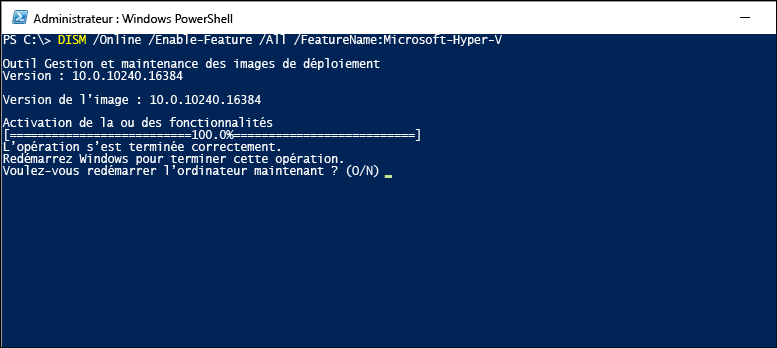
Via l'interface graphique :
-
Accédez au Panneau de configuration.
-
Sélectionnez Programmes, puis Programmes et fonctionnalités.
-
Sélectionnez Activer ou désactiver des fonctionnalités Windows.
-
Sélectionnez Hyper-V, puis OK.
